Case Study: Turning a Printed Handwriting Template into a Real Browser-Generated Font
Origin
Penform started after I saw a small but revealing example: someone used AI to turn their handwriting into a font for a Mother's Day card.
The result was genuinely touching, but the workflow felt backwards to me. A personal note should not need a black-box model, a GPU, or a server-side handwriting pipeline. The meaningful part was not that AI generated something. The meaningful part was that the card still felt like it came from a real hand.
That became the product premise behind Penform: keep the emotional value of handwriting, but make the process predictable, local, and inspectable.
Overview
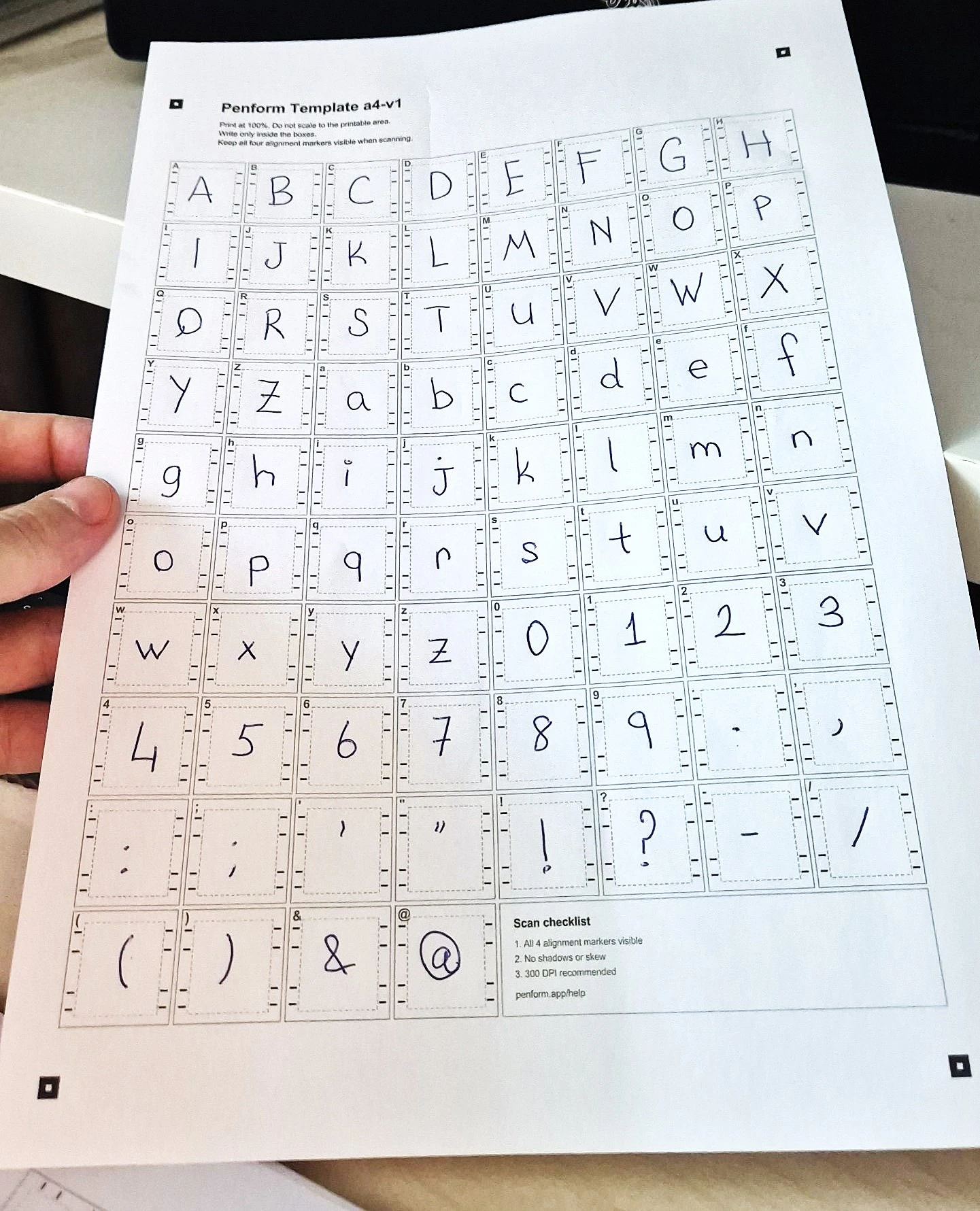
Penform started from a small emotional problem hiding inside a technical one: people want to use their own handwriting in cards, notes, labels, and personal projects, but the existing paths either feel too heavy, too manual, or too black-box. The product is deliberately mechanical and inspectable. Users print an A4 Template, write inside known Glyph Slots, capture the finished sheet as a PDF, JPEG, or PNG, align four printed markers, review extracted glyphs, preview the generated font in the browser, and download an installable OTF.
Penform is not trying to generate handwriting. It is trying to preserve handwriting well enough that it becomes usable text. The technical challenge was turning an analog sheet of paper into deterministic font geometry. I built the product around a Template Manifest that defines paper size, 80 printed Glyph Slots, Writing Boxes, Guide Markers, Alignment Markers, and font metric references. That manifest powers both the printable PDF and the browser extraction engine, which means the app does not guess layout with OCR. It restores the page into A4 space with homography, crops each Writing Box, thresholds and vectorizes ink, maps contours into font units, validates the result with OpenType parsing, and loads the generated font for live preview.
The result is a complete browser-local creative tool: privacy-first, no account, no server processing, and no hidden handwriting training pipeline. It combines product design, computational geometry, image processing, frontend architecture, and font generation into a workflow that feels approachable for ordinary users while still exposing the technical details that make the output trustworthy.
Challenges & Problem
Building Penform meant solving the full paper-to-font pipeline inside the browser while keeping the experience clear enough for non-technical users:
The first product challenge was deciding what Penform should not do. It should not generate a handwriting style from a prompt. It should not guess what the user probably meant. It should not turn a personal sample into a hidden training artifact. The goal was narrower and more useful: preserve the marks the user actually wrote and make them usable as editable text. That constraint shaped the rest of the system. Penform needed a structured Template, visible alignment, inspectable glyph review, and a real font export instead of a magical one-click result.
Solution
I designed Penform as a manifest-driven browser application with a dedicated image-to-font engine and an inspectable product workflow:
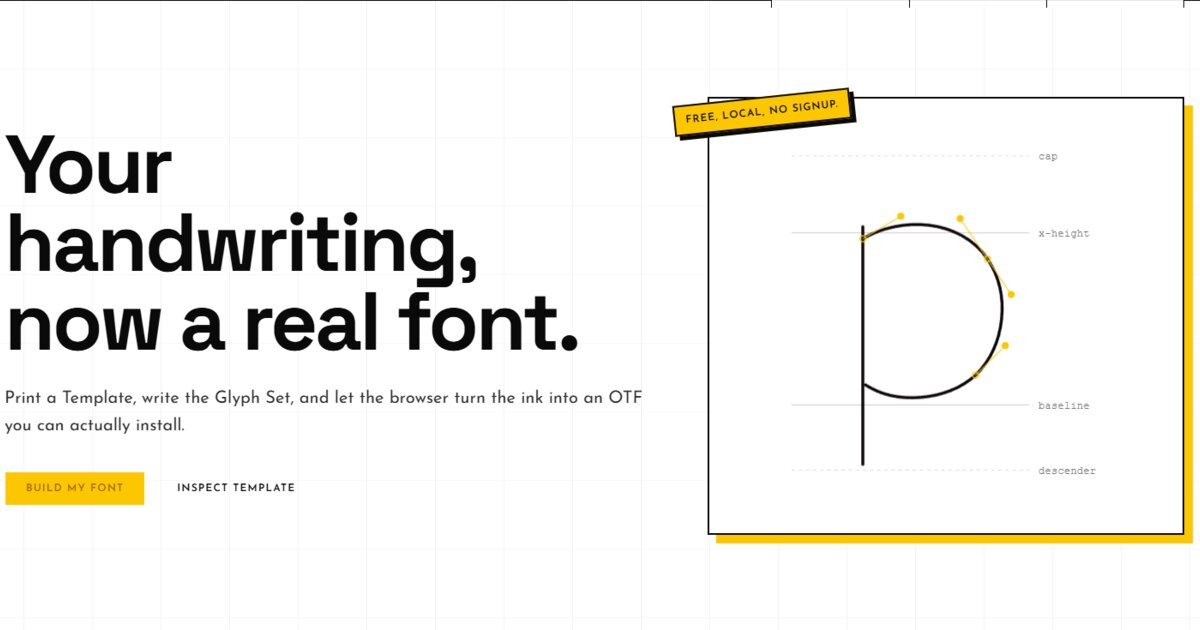
Created an A4 v1 Template Manifest defining portrait paper dimensions, an 8x10 grid, 80 printed Glyph Slots, per-slot Writing Boxes, Slot Labels, Guide Markers for cap height/x-height/baseline/descender, four Alignment Markers, and font defaults such as units per em, nominal advance width, space ratio, and class-based advance ratios. This manifest is the single source of truth for rendering, capture, extraction, and font mapping.
Features
Browser-Local Privacy Model
Penform processes handwriting in the user's browser. The filled Template is not uploaded, there is no account requirement, and no server-side handwriting corpus is created. This matters because handwriting is personal biometric-like data, and the product's trust comes from making the pipeline local and visible.
Capture Alignment with Loupe and Validation
The Capture step supports PDF, JPEG, and PNG input, then guides users through marker placement. Handles can be dragged, selected, or nudged with arrow keys; Shift moves by 10px. A loupe magnifies the underlying image around the selected handle, while validation detects out-of-bounds markers, non-convex quadrilaterals, tiny page areas, tight angles, and handles placed too close together.
Per-Glyph Tuning Without Rewriting the Sheet
If a glyph is too faint, too heavy, shifted, or rotated, users can tune extraction instead of starting over. Threshold changes trigger reprocessing for that slot, while scale, X/Y offset, and rotation adjust the exported contour. Intentional blanks keep spacing, and excluded slots are skipped from the exported character map.
Template Studio and Print Guidance
Users can inspect the printable A4 Template before writing. Layer toggles explain what Glyph Slots, Writing Boxes, Guide Markers, Alignment Markers, and Font Metric References do. Usage guidance reinforces practical constraints: print at 100%, use dark ink, keep markers visible, avoid cropping, and review before export.
Transparent Glyph Review
After alignment, Penform processes all 80 Glyph Slots and presents them by uppercase, lowercase, numbers, and punctuation. Every slot has a status: Ready, Empty, Blank, Needs work, or skipped. Users can inspect ink amount, shape complexity, spacing behavior, export behavior, and warnings before the font is built.
Live OTF Preview and Download
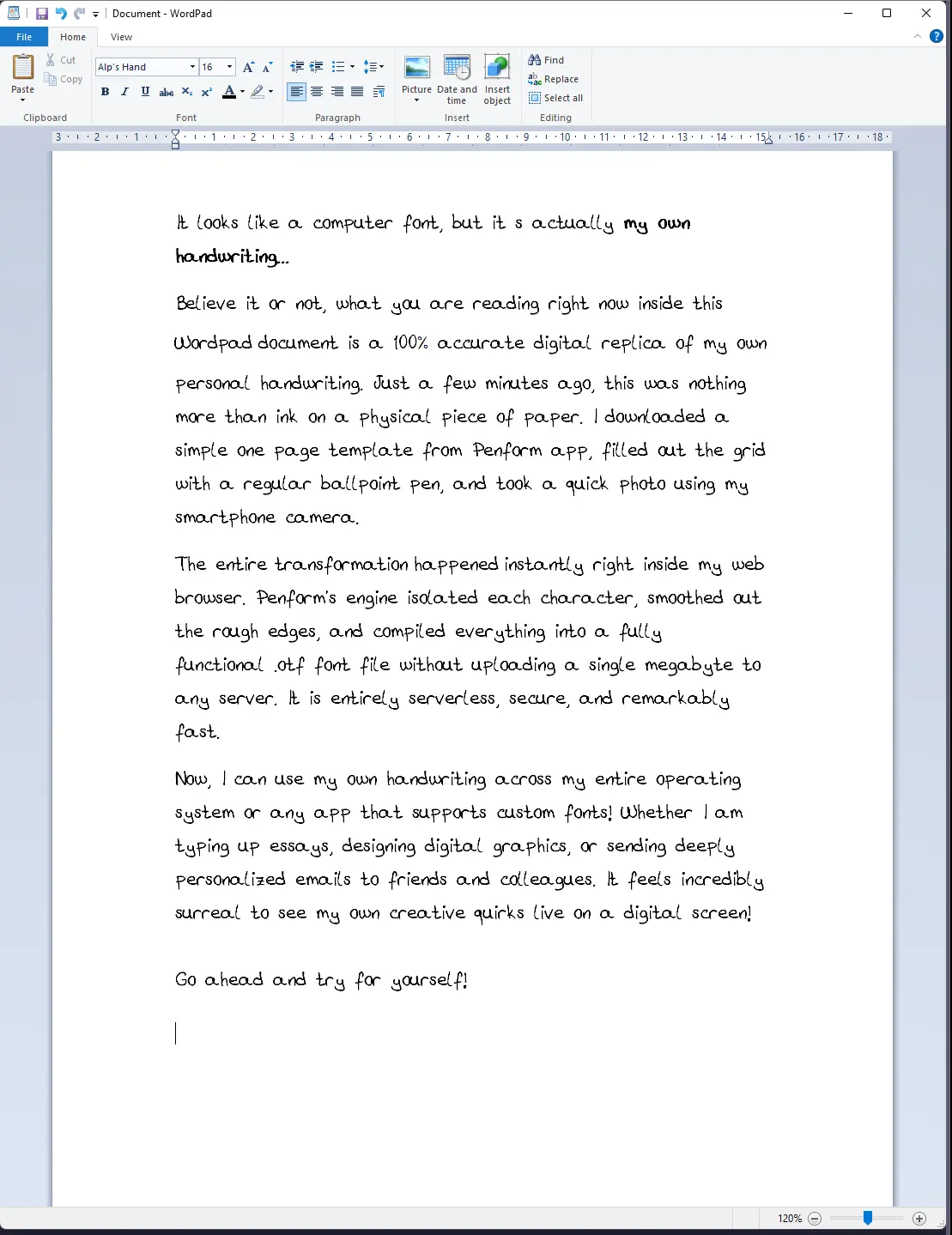
Once review is ready and the user names the font, Penform generates an OTF, validates it, loads it as a browser FontFace, and updates a live preview. Users can type custom trial text, inspect the complete Glyph Set, change preview size, and download the final .otf when the output is current.
Results
- Built an end-to-end handwriting-to-font product that runs locally in the browser: print Template, capture sheet, align markers, extract glyphs, review output, preview font, and download OTF.
- Created a manifest-driven A4 template system with 80 Glyph Slots, exact Writing Box geometry, font metric references, and alignment markers shared by the PDF renderer, SVG inspector, and extraction engine.
- Implemented a browser-only capture pipeline supporting PDF, JPEG, and PNG files, including single-page PDF rasterization with pdf.js and safe image size limits.
- Shipped homography-based perspective correction with 150/300 DPI A4 warping, handle validation, keyboard nudging, and loupe-assisted marker placement.
- Developed a glyph processing engine with adaptive thresholding, chromatic ink detection, artifact cleanup, empty-slot classification, vectorization, winding correction, and contour-to-font-unit mapping.
- Generated real installable OpenType fonts with .notdef and space glyphs, class-aware advance widths, Penform metadata, and validation through OpenType parsing before download.
- Made review central to the workflow through per-glyph diagnostics, threshold reprocessing, include/skip/blank controls, transform tuning, live preview, and export readiness blockers/warnings.
- Established a production-quality frontend stack with React, TypeScript, Vite, TanStack Router, Zustand, Tailwind v4, Base UI, shadcn components, React Compiler, Vitest tests, Docker packaging, GHCR publishing, and GitHub Actions deployment checks.
Conclusion
Penform demonstrates how a playful creative tool can still be engineered like a precise instrument. The key product decision was refusing black-box magic: the Template Manifest defines the page, the user aligns visible markers, the engine crops known Writing Boxes, the review screen exposes the messy parts, and the exported OTF is validated before download.
That constraint made the system harder to build but easier to trust. I had to connect template design, PDF generation, image decoding, projective geometry, browser workers, adaptive thresholding, vectorization, font metrics, OpenType generation, state management, and a product UI that explains the pipeline instead of hiding it.
The result is a browser-local handwriting-to-font workflow that protects user privacy while producing a real font file usable in normal apps. It captures my preferred engineering style: make the domain visible, keep the architecture deterministic, give users control where quality matters, and ship a polished product without unnecessary backend complexity.
The emotional lesson behind the project is simple: people do not want a model to invent a more polished version of their handwriting. They want the small irregularities that make it theirs to survive the trip from paper to screen. Penform treats that as an engineering problem, not a generation problem.